How to Upload Your Property via the AirLister Portal

  1. 1

    Create AirLister Account

    Sign up for an account to get started with listing your property

  2. 2

    Input Property Details

    Add property details, upload photos and write a compelling description

  3. 3

    Set Inspection Times

    Schedule convenient inspection times for potential buyers

  4. 4

    Submit to Realestate.com.au

    Review and submit your listing to Realestate.com.au

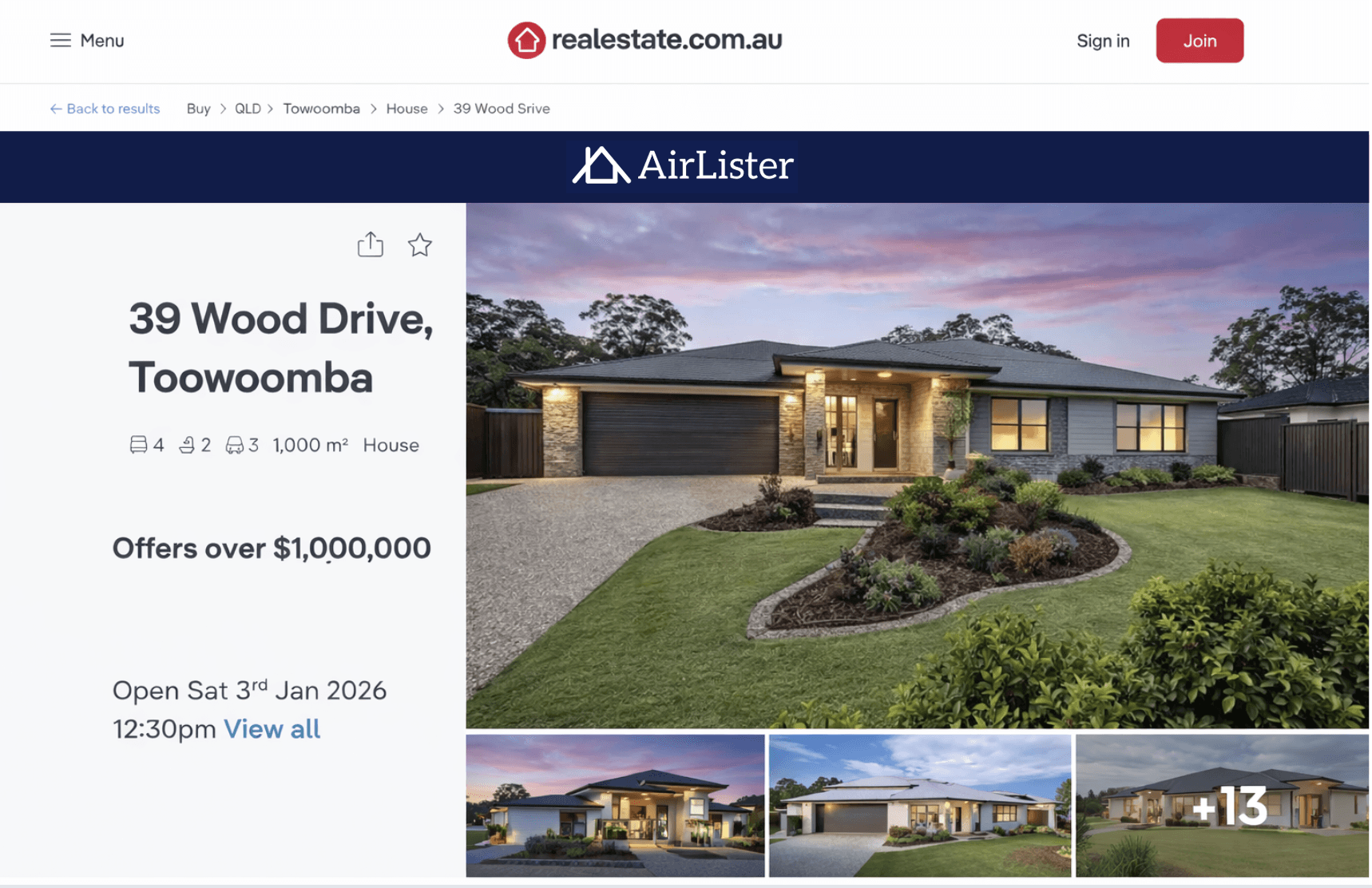
realestate.com.au property listing

Your Listing Live on realestate.com.au

  • Same realestate.com.au listing format
  • Your photos,description, photos and videos
  • Buyer enquiries sent directly to you
  • Inspections to suit your schedule
  • Edit 24/7 Via Airlister Portal

Your Team When selling Privately

Homeowner

Runs inspections and speaks directly with buyers.

AirLister

Provides the licence and lists your property on realestate.com.au.

Conveyancer

Prepares the contract, manages the deposit, and handles settlement.

Agent

Not required.

realestate.com.au property listing

Your Listing Live on realestate.com.au

  • Same realestate.com.au listing format
  • Your photos,description, photos and videos
  • Buyer enquiries sent directly to you
  • Inspections to suit your schedule
  • Edit 24/7 Via Airlister Portal

Our Partners

realestate.com.au property listing

Your Listing Live on realestate.com.au

  • Same realestate.com.au listing format
  • Your photos,description, photos and videos
  • Buyer enquiries sent directly to you
  • Inspections to suit your schedule
  • Edit 24/7 Via Airlister Portal